ChatGPT Plus is a subscription service provided by OpenAI, designed for users who need higher performance and faster responses. Compared to other AI tools such as Claude and PikaAI, ChatGPT has the following advantages:
- Powerful language understanding and generation capabilities
- Efficient knowledge retrieval and problem-solving
- Wide range of application scenarios
- Flexibility and customizability
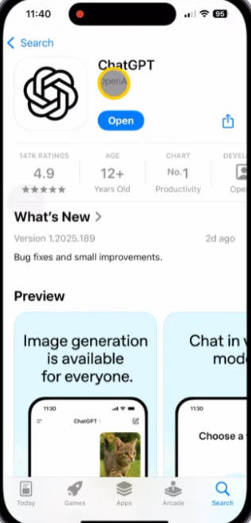
Subscribe to ChatGPT Plus on iPhone #
- Since users in mainland China cannot download overseas apps, you must use a foreign Apple ID to download ChatGPT. If you don’t have one, visit this website to purchase a U.S. Apple ID: Click here to buy a U.S. Apple ID
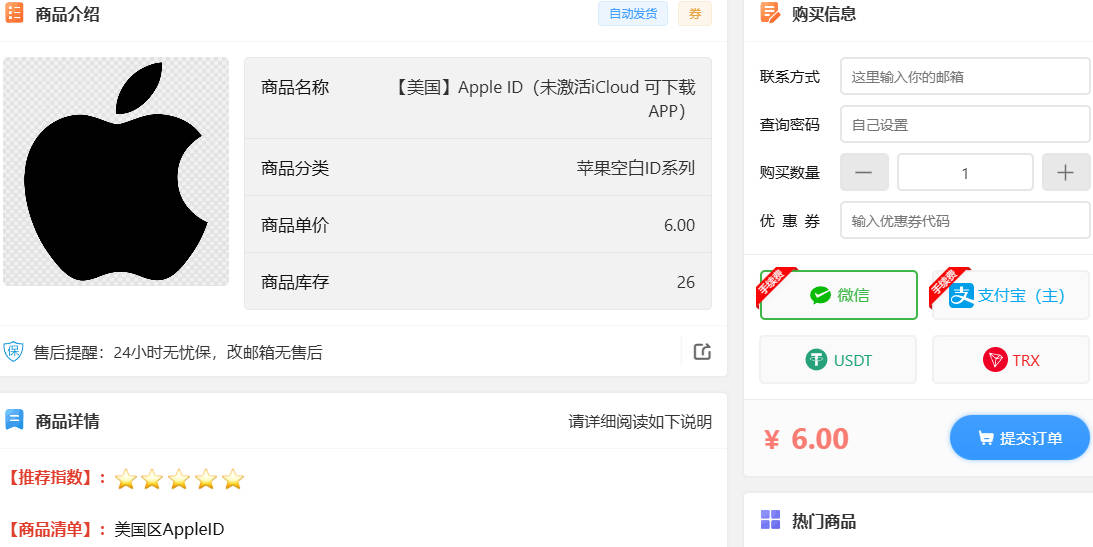
- After purchasing your U.S. Apple ID, don’t log in to the App Store yet — you’ll also need a network proxy tool, such as Shadowrocket. Normally, downloading Shadowrocket requires payment. To save money, the following websites provide free Apple IDs for downloading Shadowrocket:
- https://idshare001.me/chong.html
- https://appstore.autos/share/EzhGxYWHQO/
- https://id.ali-door.top/share/umoKGeJwOa
- https://appstore.autos/share/EzhGxYWHQO

- After downloading the proxy app, you’ll need to subscribe to a VPN provider (airport) to obtain proxy servers.
- The following options are cost-effective and come with setup guides.
- They charge by data usage (no time limit).
| Name | Price | Data | Servers |
|---|---|---|---|
| Mojie | ¥1 | 2 GB | 48 |
| Pikachu | ¥4.5 | 10 GB | 42 |
| Internet Express | ¥7 | 20 GB | 50 |
| Yifen | ¥12 | 100 GB | 53 |
| Niubi | ¥13 | 200 GB | 40 |
| Nongfu Spring | ¥15 | 200 GB | 30 |
| SkyHigh | ¥50 | 500 GB | 60 |
| Mineral Water | ¥70 | 600 GB | 44 |
| Baobeiyun | ¥55 | 600 GB | 61 |
| FreeCat | ¥50 | 500 GB | 90 |
| Naiyun | ¥98 | 280 GB | 140 |
| Feiniaoyun | ¥40 | 1200 GB | 38 |
- Use your purchased U.S. Apple ID to log in to the App Store, then download the ChatGPT app.
- Normally, subscribing to ChatGPT Plus costs $20 USD per month. You’ll need to add a payment method in the U.S. App Store — Chinese or Hong Kong bank cards won’t work. You must use a U.S. virtual credit card. Follow these steps:
- First, download and install Google Play Services (if not already installed): Click to download Google Play
- Open Google Play and search for Avalanche Card, then install it.
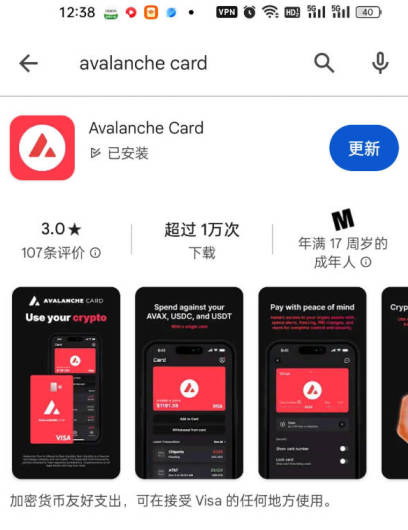
- After installation, apply for a U.S. virtual card. Watch the video guide for detailed steps:
- Open the ChatGPT website or app and click “Get Plus”.
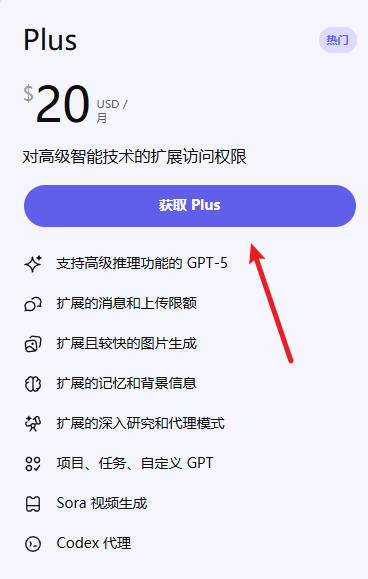
- Enter your virtual credit card information. It’s recommended to use a U.S. IP address and a U.S. billing address (you can find one using Google Maps if you don’t have one).
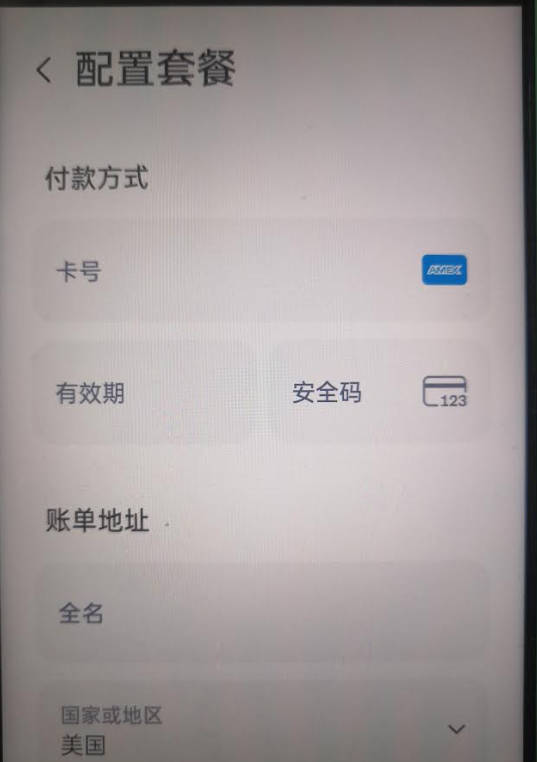
- Make sure your virtual card has enough funds for the subscription fee. Click Subscribe — if the payment is successful, your ChatGPT Plus upgrade is complete!