ChatGPT is an artificial intelligence dialogue system developed by OpenAI, based on the GPT (Generative Pre-trained Transformer) large language model technology. It can understand and generate natural language text, answer questions, engage in conversations, assist with writing, programming, and more. Since its launch in November 2022, ChatGPT has quickly become one of the most well-known AI chat assistants worldwide.
- Below are the complete steps to use ChatGPT on Windows.
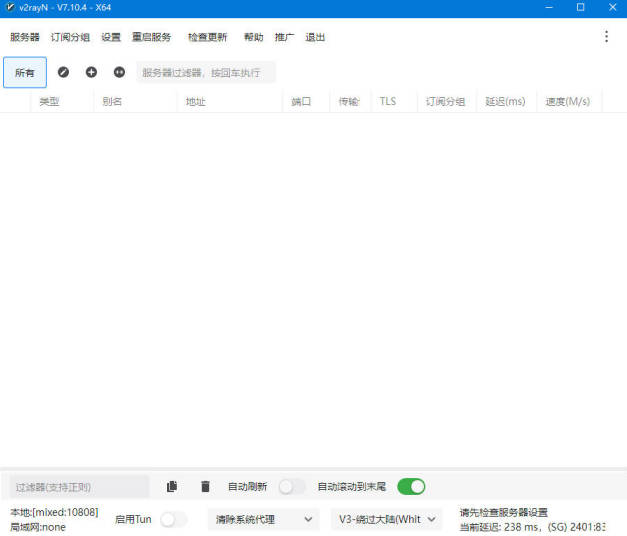
1. Install the Network Proxy Tool v2rayN #
According to the latest information, ChatGPT is banned or inaccessible in about 20 countries as of 2025. These countries include: China, Russia, North Korea, Iran, Syria, Cuba, Belarus, Venezuela, Afghanistan, Bhutan, Central African Republic, Chad, Eritrea, Libya, South Sudan, Yemen, and others.
Main reasons for the ban include:
-
Information control and censorship: China blocks ChatGPT for reasons of information control, fearing it could spread content that contradicts the official narrative. ChatGPT does not comply with China’s strict censorship laws and is therefore blocked by the “Great Firewall.”
-
Geopolitical factors: Countries such as Russia, Iran, and Syria distrust the U.S. and worry that OpenAI’s chatbot technology could be used to spread political instability or encourage regime change.
Install the network proxy tool v2rayN
- A proxy tool helps bypass network restrictions and access the global internet. Other similar tools include: flclash, shadowrocket, clash verge, and v2box
- During installation, if the program prompts you to install the .NET plugin, follow the instructions to complete it.
2. Purchase Proxy Nodes #
- v2rayN is only a client — you still need proxy servers to use it.
- Below are the steps to import a proxy server subscription into v2rayN.
- Visit the official Feiniaoyun website and register using your email. (Click to open Feiniaoyun)
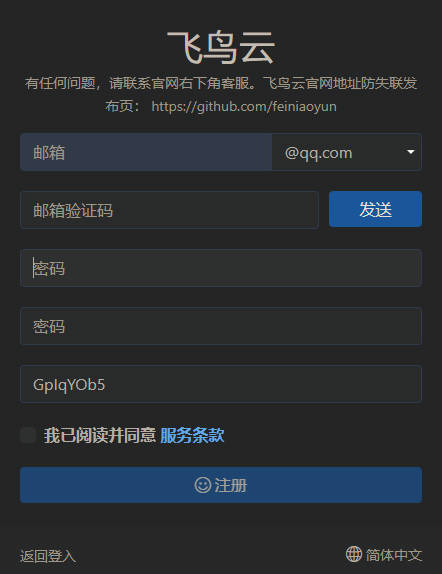
- After registration, log in and click Purchase Subscription.
- You will see several plans — avoid monthly ones, as they are less cost-effective.
- Choose annual or traffic-based (no time limit) plans. For example: 10 RMB for 200GB via Alipay.
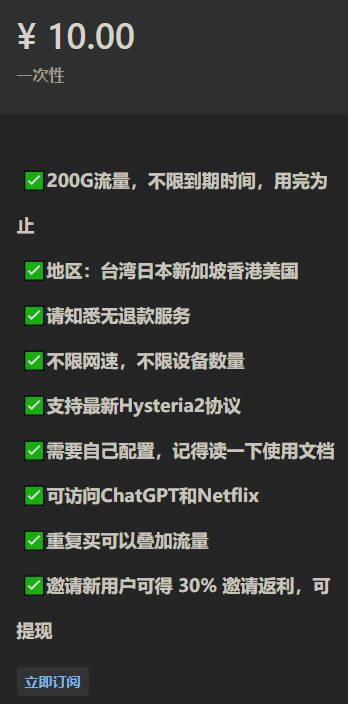
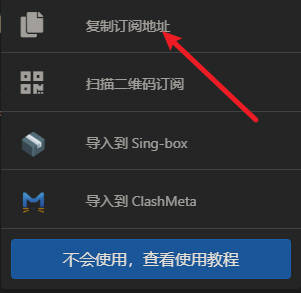
- After payment, go to the Dashboard, find One-Click Subscription, and copy the subscription link.
-
Open v2rayN, go to Subscription Groups → Subscription Settings → Add, and paste the copied link into the URL field. Then click OK.
-
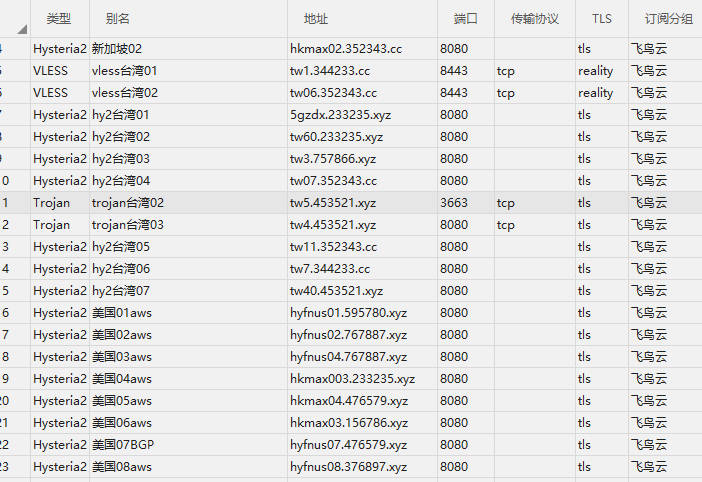
Next, click Subscription Groups → Update Current Subscription (No Proxy). If you see multiple nodes appear, your subscription was imported successfully.
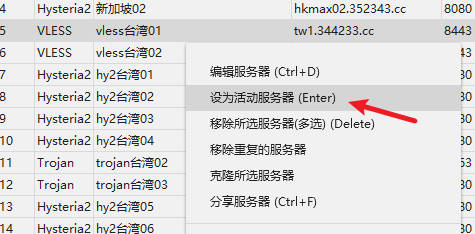
- In the software, switch Cancel System Proxy to Auto Configure System Proxy to enable the proxy. To switch proxy nodes, right-click a node and select Set as Active Server.
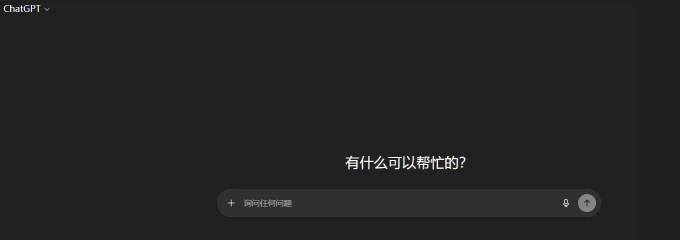
Now you can open https://chatgpt.com.
3. Using ChatGPT #
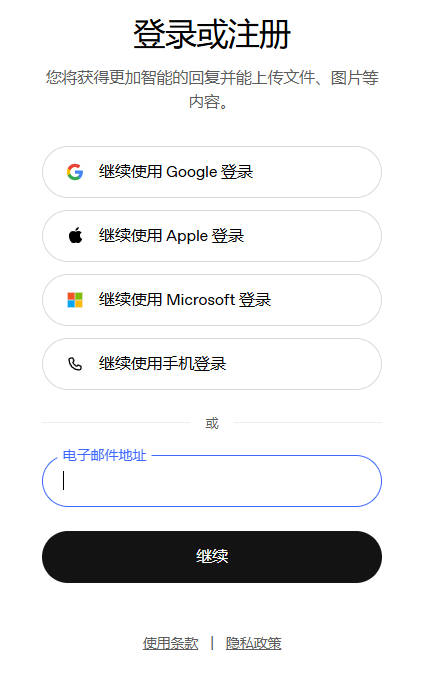
- Once on the ChatGPT official website, you’ll need to register an account to use it.
- You can sign up using an email, or log in directly with a Google or Microsoft account.
- If you don’t have a Google account, you can purchase one here: Click to Buy a Google Account