How to Subscribe to ChatGPT Plus on iPhone #
ChatGPT Plus is a premium subscription service from OpenAI designed for users who need higher performance and faster responses. Compared with other AI apps such as Claude and Pika AI, ChatGPT offers these advantages:
- Powerful language understanding and generation
- Efficient knowledge retrieval and problem solving
- Wide range of application scenarios
- High flexibility and customizability
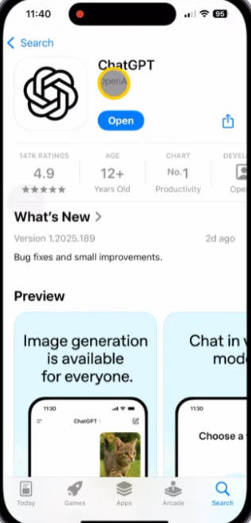
1. Download and Install ChatGPT #
In many countries, overseas apps cannot be downloaded directly, so a US Apple ID is required to get ChatGPT.
Many proxy airports provide free US Apple IDs. Taking the commonly used Baobei Cloud as an example:
Open Baobei Cloud official website
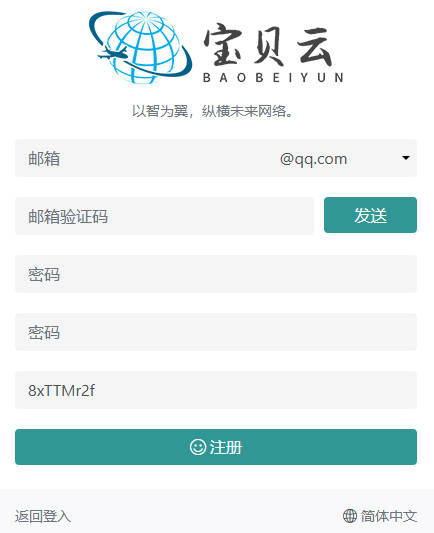
- After registration, click “Buy Subscription” in the top-right corner
- Choose a suitable plan (recommended: 15 CNY / 200G / month)
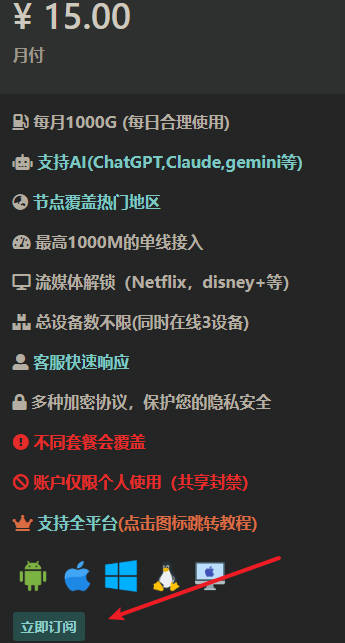
- After purchase, go to “Usage Tutorial” → “Shadowrocket”
- Free US Apple IDs are listed there. Because many people use them, the IDs are updated frequently. If one doesn’t work, wait about 2 hours and try again.

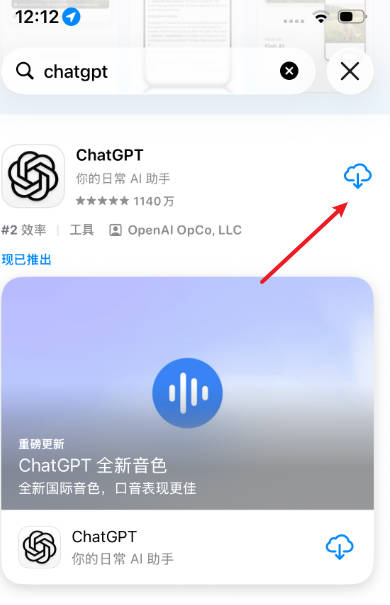
Once logged in with a US Apple ID, you can download the needed apps from the App Store, for example:
- Proxy apps: Shadowrocket, Karing, sing-box
- AI apps: ChatGPT, Claude, Muse, Gemini
2. Subscribe to ChatGPT Plus #
After installing ChatGPT you can start using it. However, if you are in a restricted region (China, Russia, Iran, North Korea, etc.), you must use a proxy tool such as Shadowrocket.
2.1 Import Proxy Subscription #
- Open the Baobei Cloud website → Dashboard → One-click Subscription → copy the subscription URL
- Open Shadowrocket → tap “+” in the top-right → select type Subscribe → paste the URL
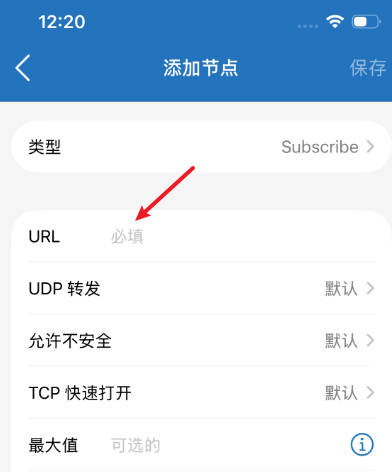
After the subscription is loaded, you can access ChatGPT normally.
2.2 Prepare a Payment Method #
ChatGPT Plus costs about $20. You need to add a payment method to your US Apple ID (preferably a US bank card). A virtual US credit card is recommended:
After registration, click “Top up with USDT” to obtain a Visa card that can be used for ChatGPT Plus.
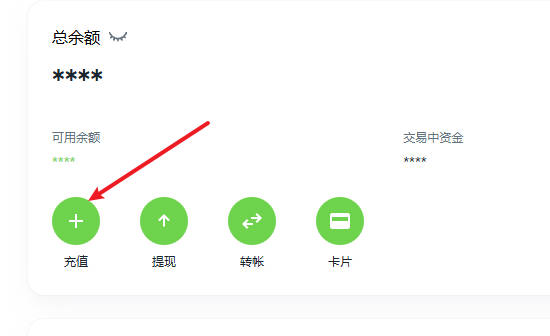
2.3 Complete the Plus Subscription #
- Open the ChatGPT website or app and click “Get Plus”
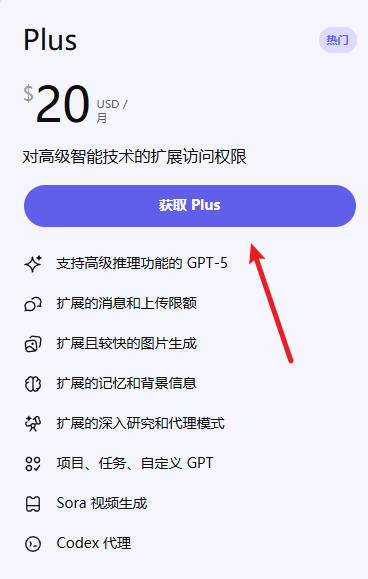
- Enter the virtual credit card details. It is recommended to use a US IP for this step. You can use a US virtual address (or find a real US address via Google Maps).
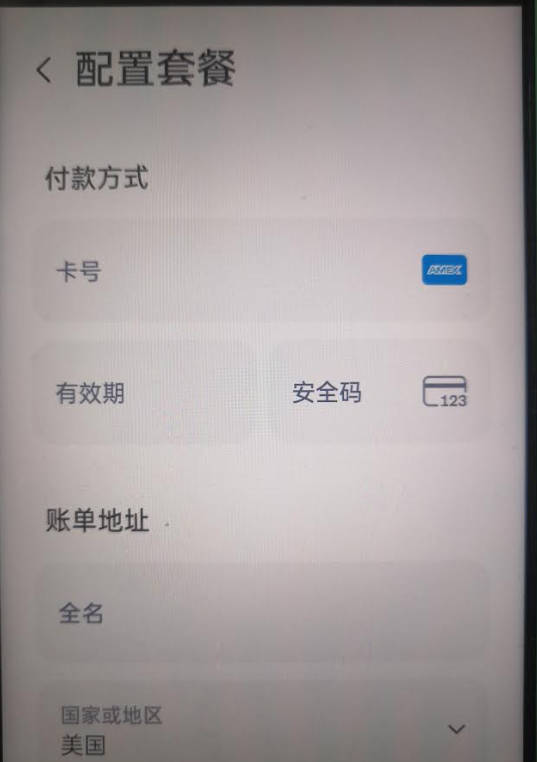
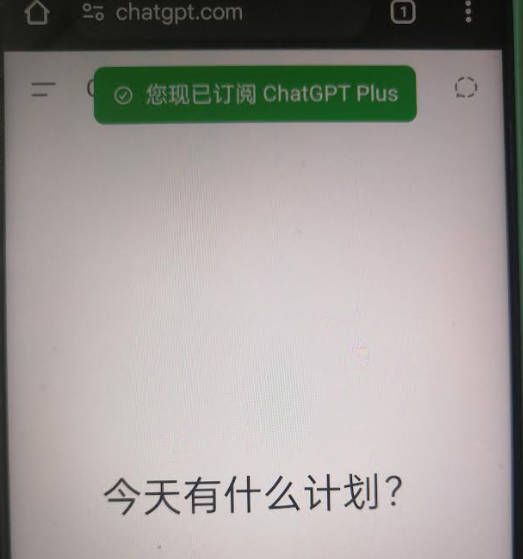
- Make sure the virtual card has enough balance and click Subscribe. Successful payment means ChatGPT Plus has been activated!
If you have any questions, please email:
leeulen60@gmail.com